Install with winget
App Installer provides winget on current Windows 10 and Windows 11. The verified package id is Meltytech.Shotcut.
winget install -e --id Meltytech.ShotcutThat manifest lives in microsoft/winget-pkgs. Installer type is Inno. InstallerUrl points at the GitHub shotcut-win64-*.exe family. Related: how to install winget, video editor winget, for this computer.
Install with the GitHub exe
Take shotcut-win64-*.exe from GitHub Releases. Run the Inno installer and allow elevation if you choose the all-users scope. Portable alt: shotcut-win64-*.zip. ARM builds use shotcut-win_ARM-* on the same tag.
After setup
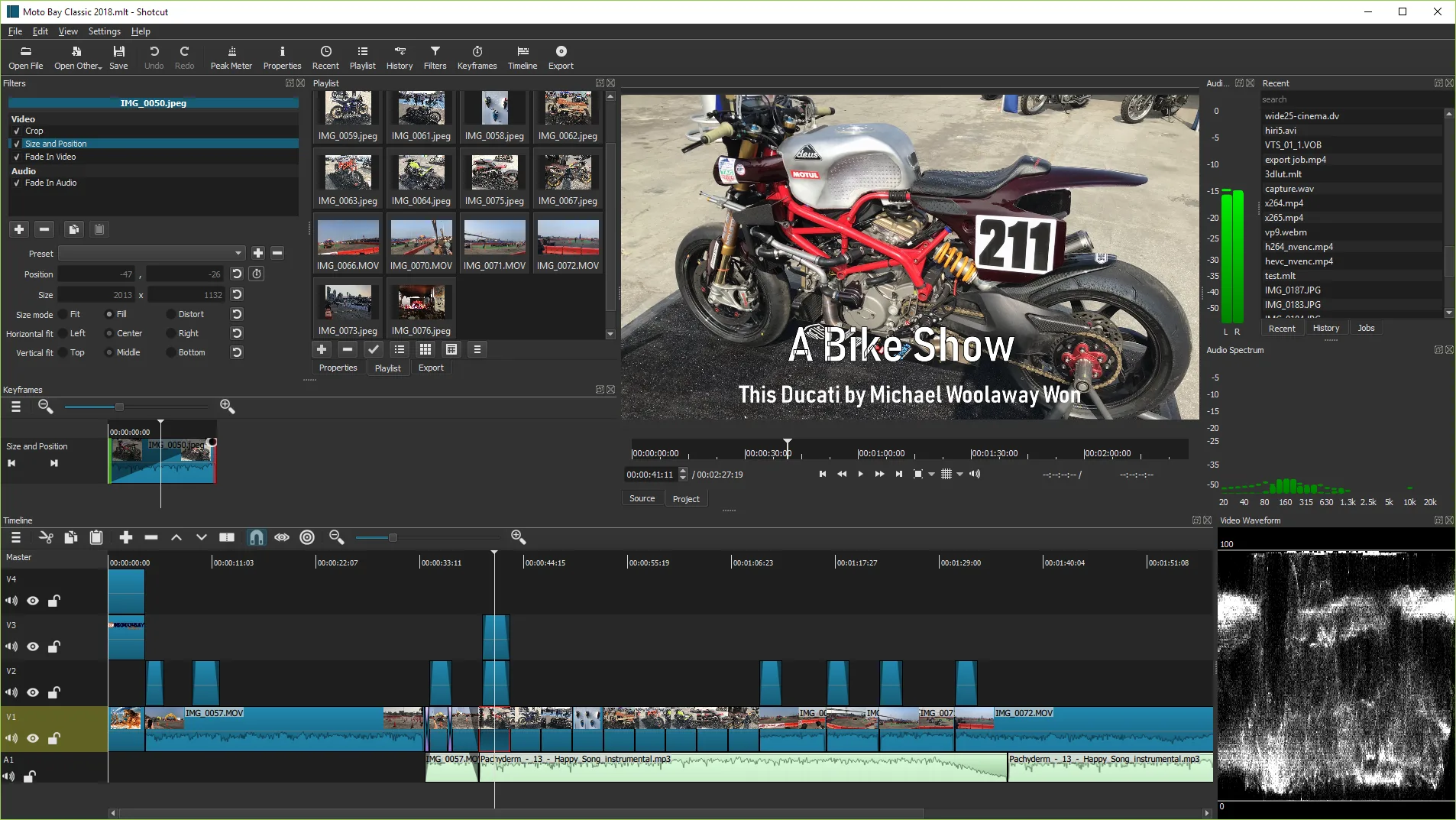
Open Shotcut from the Start menu, load a short clip, place it on the Timeline, and export once. Continue on installed. Safe fetch: download safely. Releases map: releases.
Why this door matters
A video editor install fails most often when the file comes from a renamed portal. Stick to GitHub Releases for mltframework/shotcut, winget Meltytech.Shotcut, Homebrew cask shotcut, Flatpak org.shotcut.Shotcut, or Snap shotcut. Those doors keep the binary aligned with Meltytech builds.
Write the door on the machine ticket beside the Windows build. That habit prevents a second install path from appearing after the next reimage. If SmartScreen prompts on a fresh signature, use More info and confirm Meltytech when Windows shows a publisher.
Proof export habit
After any install or update, open a short disposable clip, place it on the Timeline, and export one throwaway file. A video editor that launches but cannot export is not finished. Keep masters read-only while you learn the Export panel.
If export fails, try a software preset, confirm disk space, and retest with a tiny clip before you change GPU options. Save a .mlt project when you expect to reopen the cut. Prefer a new output filename every time so you never overwrite the only master.
Related pages on this guide
Continue with the Windows install walkthrough, the download-safe notes, the releases file map, and the installed checklist. Compare built-in editors when you only need a light trim. Use troubleshooting when SmartScreen, architecture mismatches, or failed exports block the first hour.
This video editor path stays local: media, timeline, and export output remain on disks you choose. Network is required for the first download and for package updates, not for everyday cutting once Shotcut is installed.
Frequently asked questions
How do I install this video editor on Windows?
Run winget install -e --id Meltytech.Shotcut, or download shotcut-win64-*.exe from mltframework/shotcut Releases and run the Inno installer. Prefer those doors over third-party portals. Prefer GitHub Releases for mltframework/shotcut or winget Meltytech.Shotcut on Windows x64, then finish one proof export before you change advanced settings.
Does winget lag GitHub?
Winget-pkgs can trail the GitHub tag by days. Public copy says the current release. Take shotcut-win64-*.exe from Releases if you want the GitHub file the same day. Prefer GitHub Releases for mltframework/shotcut or winget Meltytech.Shotcut on Windows x64, then finish one proof export before you change advanced settings.
Which file is primary on Windows x64?
shotcut-win64-*.exe for a normal install. Use the zip for a portable folder. Use the ARM names only on ARM PCs. Prefer GitHub Releases for mltframework/shotcut or winget Meltytech.Shotcut on Windows x64, then finish one proof export before you change advanced settings.
Do I need an account?
No. Shotcut does not require a Meltytech account for local editing. Prefer GitHub Releases for mltframework/shotcut or winget Meltytech.Shotcut on Windows x64, then finish one proof export before you change advanced settings.
Where is the licence?
GPLv3 text is COPYING on the mltframework/shotcut repository. Prefer GitHub Releases for mltframework/shotcut or winget Meltytech.Shotcut on Windows x64, then finish one proof export before you change advanced settings. Prefer GitHub Releases for mltframework/shotcut or winget Meltytech.Shotcut on Windows x64, then finish one proof export before changing advanced settings.