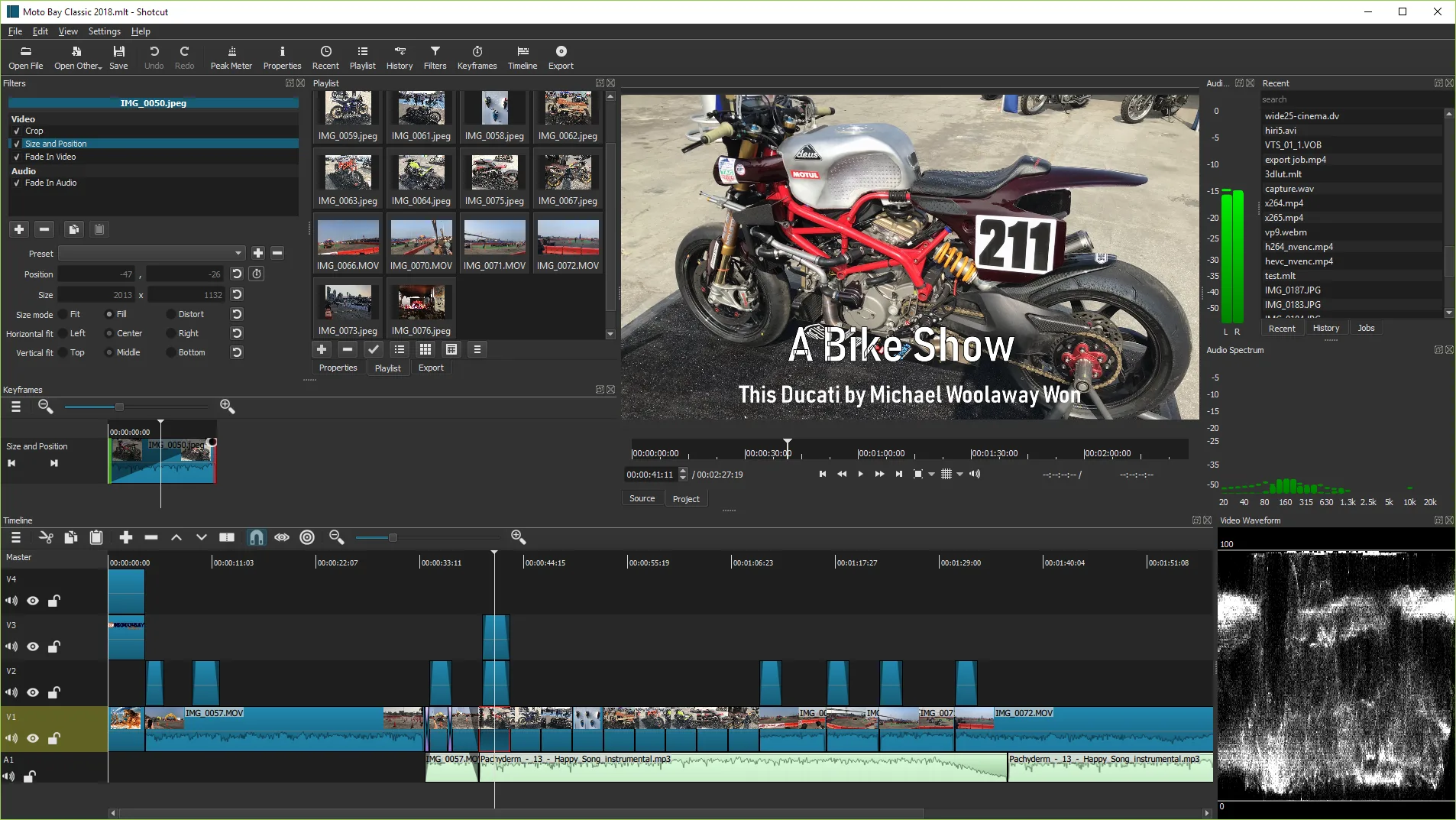
Video editor guides
Install and use Shotcut on Windows first. macOS and Linux doors are documented with verified package ids. Start with the Windows install guide, then first run and export.
By Reel Quill editorial team Current release, published August 1, 2026
Extra install notes
Keep one install door per machine for this video editor path. Prefer GitHub shotcut-win64-*.exe or winget Meltytech.Shotcut on Windows x64. Write the door on the machine ticket so the next update does not mix portable zip and winget copies.
Finish a proof export after every install or upgrade. A video editor that opens but cannot export is not ready for class or client work. Keep masters read-only while you learn Export presets.
SmartScreen may warn on brand-new signatures. Use More info and confirm Meltytech when listed. Return to GitHub Releases if the publisher string looks unrelated. Checksums on the release tag help when a desk requires hash verification.
macOS and Linux doors stay documented in their install guides even though the Install panel on the home page stays Windows-primary. Brew cask shotcut, Flatpak org.shotcut.Shotcut, and Snap shotcut are verified when those desks matter.
Classroom images should pin the chosen door beside the OS version. Travel laptops without admin rights can use the portable zip with manual updates. Family PCs usually prefer the normal exe or winget so Start menu search finds Shotcut quickly.